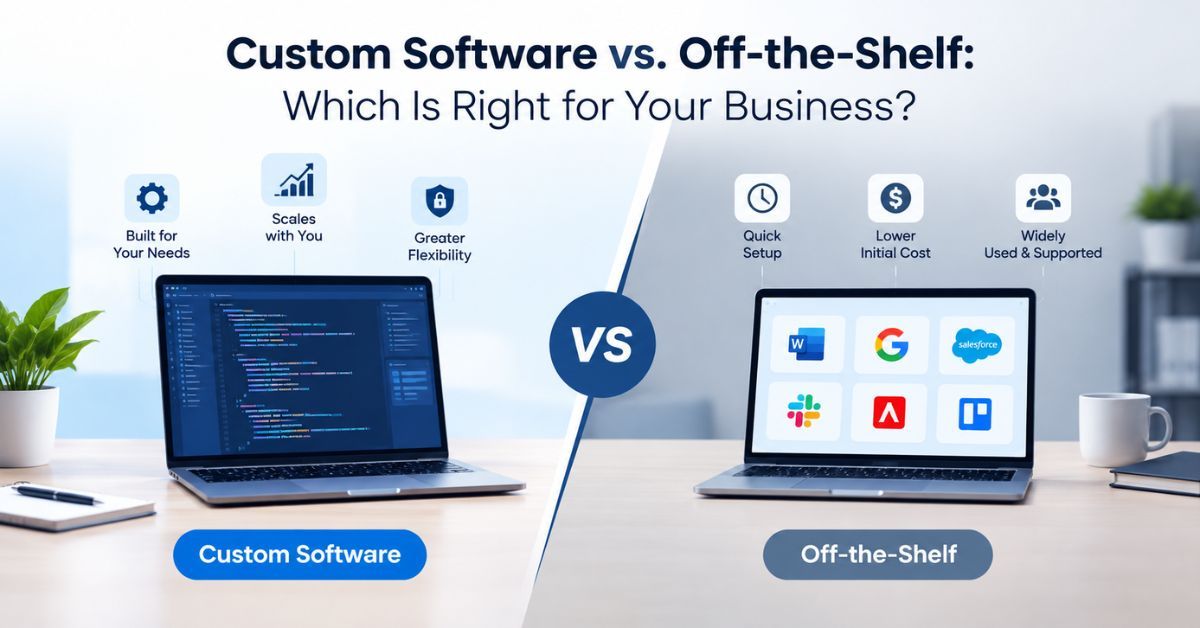
Custom logistics software development is the work of building warehouse, transportation or fleet systems around how your operation actually runs, instead of changing the way you work to suit a subscription tool. For most carriers, 3PLs and distributors, it starts as the answer to one specific headache: too many systems that don’t agree with each other.
You probably know the setup. One vendor’s TMS, another vendor’s WMS, a telematics portal on a third login, and a dispatcher who spends the first hour of every shift copying numbers between them. Custom software development for logistics tends to come up on the day that copying becomes somebody’s whole job.
Below, we cover what each system does, where packaged tools run out, the Canadian rules your software has to respect, and how long a build really takes. If you’re still deciding whether custom software is right for you at all, start with our complete guide to custom software development in Canada.
Key takeaways
- A WMS runs the warehouse floor, a TMS plans and pays for freight movement, and fleet software looks after your own trucks and drivers.
- Custom logistics software pays off when your way of working is part of why customers choose you, or when workarounds cost more than building would.
- Federally regulated carriers must use certified ELDs. Your software reads from them; it doesn’t replace them.
- Cross-border loads need CBSA eManifest data, and the customer and driver details you store fall under PIPEDA.
- Most projects go live in stages, with a first module running within three to six months.
What is custom logistics software development?
Put simply, it’s software designed and built for one company’s freight, warehouse and fleet operations. Sometimes that means a full platform. More often it’s a single module that connects to tools the business already pays for, like a customer portal sitting on top of an existing TMS.
The word “custom” makes some operators nervous, because it sounds like paying someone to reinvent the wheel. It shouldn’t be that. Mapping, barcode reading and carrier connections are solved problems, and a good developer reuses them. Your budget goes into the parts nobody else has: your dock layout, your billing rules, the exceptions your dispatchers sort out before 7 a.m.
What those parts are depends on who you are. A 3PL often wants supply chain visibility it can offer its clients, so they can check their own stock and shipments without phoning. A carrier is more likely chasing cost per kilometer and making sure drivers stay within their hours. Same industry, very different problems.
Warehouse management system development
The screen says there are 40 units in bin C-14. The picker finds 12. Nobody knows when the other 28 left, so someone walks the aisles, someone else corrects the count, and the order ships late. A surprising amount of warehouse management system development starts with a story like that.
On paper, a WMS has a simple job: tell people what to do next and record what they did. Receive this pallet, store it there, pick these items for that order. Receiving, put away, picking, packing, shipping and cycle counting look roughly the same in every building. The rules behind them don’t. A cosmetics distributor has to track lots and expiry dates. A cold storage operator needs a temperature reading attached to every pallet, so cold chain monitoring becomes part of inventory management instead of a clipboard hanging by the freezer door. An online fulfilment center will give up almost anything for faster picks.
That’s where a custom WMS earns its cost. Packaged systems let you configure the rules their designers expected. A custom build follows the ones you actually have.
For hardware, barcode scanning covers most needs. Labelling to GS1 Canada standards from day one spares you a rebuild when a large retail customer sends over its own requirements. RFID is worth it in narrower cases, such as high-value stock or returnable containers, where reading a whole pallet’s tags at once actually changes how people work.
Transportation management software
Ask an experienced dispatcher how they choose a carrier for a Friday load into a busy Brampton distribution center, and the rate will be only part of the answer. They’ll mention who actually makes tight appointments there, who still answers the phone after 4 p.m., and who quietly turns down short-notice reefer loads. Off-the-shelf transportation management software knows none of that.
At its core, a TMS plans and buys freight movement: which shipments travel together, which carrier gets them, what it costs and where the load is right now. Shippers and freight brokers rely on it most, though carriers with their own brokerage desk use one too. Building custom here mostly means writing your team’s judgment into the planning and carrier selection rules, so that knowledge doesn’t leave when a senior dispatcher retires.
The other half of the job is talking to partners. Plenty of large shippers and carriers still exchange tenders, status updates and invoices over EDI, while newer ones offer APIs. If you move parcels as well, the Canada Post API can bring rates and labels into the same screen your team already uses for freight.

Loads crossing the border add paperwork. Highway carriers bringing goods into Canada have to send cargo and conveyance details to the Canada Border Services Agency through eManifest before they arrive. When the TMS already holds the shipment data, it can prepare that submission or pass it to your customs broker, and nobody types the same information twice.
Fleet management software
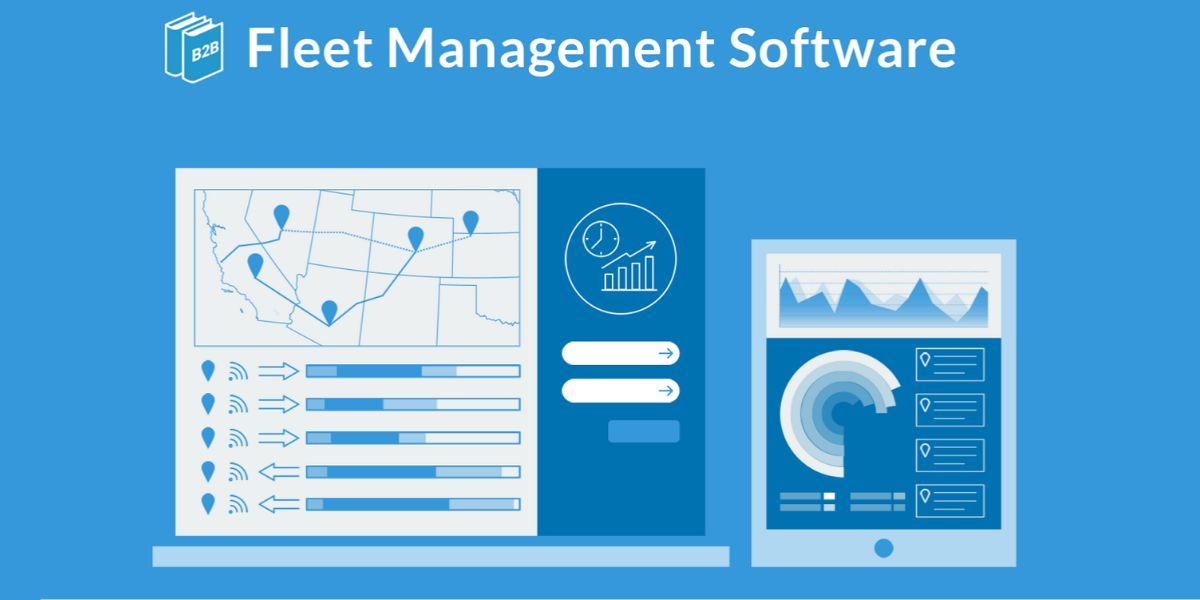
Start with the rule you can’t ignore. Since June 2021, federally regulated carriers in Canada have had to record Hours of Service on electronic logging devices certified to Transport Canada’s standard. Custom fleet management software doesn’t replace those devices, and it shouldn’t try. It reads from them, so dispatch can see which drivers still have hours left before assigning the next load.
Everything else is about knowing where your trucks are and what shape they’re in. GPS tracking puts the dots on the map. The value comes from what the system does with them: flagging a truck that has sat at a stop too long, sending customers a new ETA when a load runs late, booking maintenance by engine hours instead of calendar dates. IoT sensors add trailer temperature, door openings and fuel use. Route optimization, which our AI and machine learning team builds, sits on top and reorders multi-stop routes when traffic or a cancelled order upsets the plan.
Then there’s the driver, who never sees the office dashboard. For them, the software is an app on a phone. In last-mile delivery especially, it needs to work offline on rural roads, capture proof of delivery with a photo and signature, and show the next stop clearly enough to read at a glance. We build those through our mobile app development team, and they get as much design attention as anything used in the office.
When does off-the-shelf logistics software fall short?
Most logistics companies should buy before they build. If your operation runs much like others in your segment, a mature TMS or WMS will cover it for less money and less risk.
The case for custom work usually builds slowly. First the integrations crack: the TMS doesn’t talk properly to the WMS, neither talks to accounting, and someone exports spreadsheets every evening to keep them in line. Then workarounds pile up, because the software assumes one way to run a cross-dock or bill an accessorial charge and your customers expect another. Pricing creeps as well. Per-user or per-truck fees that looked fine at 15 trucks feel very different at 80. And the reports you actually need are the ones the vendor never thought to build.
One of those on its own is a nuisance. Two or three together usually mean you’re paying for software and also paying people to work around it. That’s the point where custom logistics software starts to make financial sense, and we’ve written more about when building beats buying.
It doesn’t have to be all or nothing, either. Many operators keep their core TMS and build the customer portal, integrations and reporting around it.
Not sure if your setup needs custom work?
Tell us which tools you use today and where they get in the way. We’ll give you an honest answer on whether to build, buy or extend what you have.
Book a free systems review →
Custom logistics software in Canada: compliance and integrations
Logistics software holds more personal information than people expect. Customer contacts, consignee names and delivery addresses are all in there, along with a detailed record of where each driver went and when. Under PIPDA, you need a clear reason for collecting that information, consent where it applies, and proper safeguards. Driver tracking deserves its own policy: what gets recorded, whether tracking stops when a shift ends, and who can look back through the history. If you ship to or from Quebec, Law 25 adds further rules.
Shippers also ask more often where their data is stored. Keeping it in Canada is simple on the Canadian regions of the major cloud solutions providers, as long as it’s decided at the start rather than bolted on later.
For many companies, though, integration is the main reason to build at all. Orders, inventory, shipments and invoices should be entered once and then flow between the WMS, the TMS and an ERP such as NetSuite, Microsoft Dynamics, Sage or QuickBooks. Real-time tracking is only half the story if the invoice that follows the delivery is wrong.
Our head office is in Mississauga, in the middle of the freight corridor that runs from Pearson’s cargo area through the warehouse belt in Brampton, so we work close to the operations we build for. For the full range of what we build for carriers, 3PLs and distributors, see our logistics software development page.
How long does it take to build?
A focused first module typically takes three to six months to build and roll out. A connected platform covering warehouse, transport and fleet is usually delivered in phases over six to twelve months, sometimes longer.
Most projects begin with two to four weeks of discovery: mapping how work really moves through your operation, which systems have to connect, and what the first release must do. After that, the timeline depends on a handful of things. Each carrier, ERP or telematics connection adds work. So does moving years of historical data, adding more sites, or including driver and warehouse apps in the first phase.
Here’s how that can look in practice. Picture a mid-sized 3PL near Pearson running a packaged TMS, a shared spreadsheet for inventory, and a phone line that rings all day with clients asking where their freight is. A sensible first phase wouldn’t replace anything. It would connect the TMS to the inventory data and put a client portal on top, so customers can answer their own questions. Once that’s settled, a proper WMS module replaces the spreadsheet in phase two.
Cost follows the same factors as time. For figures, see a full breakdown of software costs in Canada. Phasing custom logistics software development this way also keeps the business running normally while the new system takes over.
Frequently asked questions
What is the difference between a WMS and a TMS?
A WMS manages what happens inside the warehouse: receiving, storage, picking and shipping. A TMS takes over once freight leaves the building, planning loads, choosing carriers and tracking shipments. Many operations need both, connected so an order picked in the warehouse becomes a load in the TMS without anyone re-entering it.
Is custom logistics software worth it for a small 3PL?
Usually not as a full platform. A small 3PL tends to get more from a packaged WMS plus one custom piece, such as a client portal or a direct connection to its biggest customer’s system. It’s worth building when that one piece is what wins or keeps business.
Can you add custom modules to the TMS we already use?
Yes, as long as the TMS has an API or can export data. It’s a very common approach: keep the system your team already knows and build the missing parts around it, like custom reports, a customer portal or an automated carrier connection.
What should we prepare before starting a logistics software project?
A list of your main workflows and where they break down, the systems you use today, some sample data (order, shipment and inventory exports), and the one problem you most want fixed first. You don’t need a full specification. Discovery exists to build one.
Who owns the code and data in a custom build?
You should. Before signing, check that the contract gives your company ownership of the code and all operational data, that you have access to the source code and hosting accounts, and that you could move to another developer later without starting over.