Most Canadian retailers don't outgrow Shopify because of traffic. They outgrow it because of rules: contract pricing, stock spread across three warehouses, ERP data that never syncs, and a checkout that won't bend. Custom ecommerce software development fixes those limits by building only the parts your platform can't handle, so you stop paying for workarounds. Done well, custom software development for ecommerce can cut manual work, speed up your pages and let your operations shape the store instead of the other way round. This guide shows what to build, what to keep and what it costs.
You don't need a fully custom store on day one. You need it when apps, workarounds and platform limits start costing more than a proper build would.
Key Takeaways
Switch to custom work when your store depends on a pile of paid apps and manual fixes to run daily operations.
Headless commerce pays off for brands that need fast, highly designed storefronts across web and mobile. It is overkill for a simple catalogue.
The systems that matter most are the order management system (OMS), product information management (PIM) and inventory sync. The storefront comes second.
A Canadian store needs Interac, Visa and Mastercard support, correct GST/HST/PST handling, and privacy compliance that includes Quebec's Law 25.
A migration protects your rankings only if you plan redirects and URL parity before launch, not after.
What Is Custom Ecommerce Software Development?
A store has outgrown its platform when the workarounds cost more than the platform saves. The most common signs are easy to spot once you look for them.
App sprawl is the first one. Suppose you run 20 or 30 apps. Each one adds a monthly fee, a script that slows the page and another thing to update. At that point, the platform is no longer simple. Checkout limits come next. Some stores need custom shipping rules, split payments or approval steps that the standard checkout can't support. Complex pricing is another sign, for example customer-specific price lists, volume tiers or contract pricing for B2B ecommerce buyers. Multi-warehouse inventory is the fourth. When stock sits in three locations and orders must ship from the closest one, spreadsheets stop working quickly.
Here is how the main platforms compare in practice.
Platform | Best for | Main strengths | Main limits | Choose it when |
Shopify Plus | Fast-growing stores with standard pricing and fulfilment | Quick setup, managed hosting, large app market | App sprawl; limits on checkout and pricing logic | You want speed to launch and your rules are fairly standard |
Adobe Commerce (Magento) | Large catalogues and complex B2B | Deep catalogue and pricing control, very flexible | Needs skilled developers and higher upkeep | You have the team to maintain it |
Big Commerce | Mid-size and B2B stores | Built-in B2B features, open APIs, no servers to run | Fewer ready-made apps than Shopify | You want B2B tools without self-hosting |
WooCommerce | Smaller stores built on WordPress | Full control, low software cost | Performance, security and updates are your job | Your team knows WordPress well |
Custom build | Stores where rules or integrations are the bottleneck | Fits your exact processes; full control of features and data | Higher upfront cost; ongoing maintenance | Your business rules are what make you different |
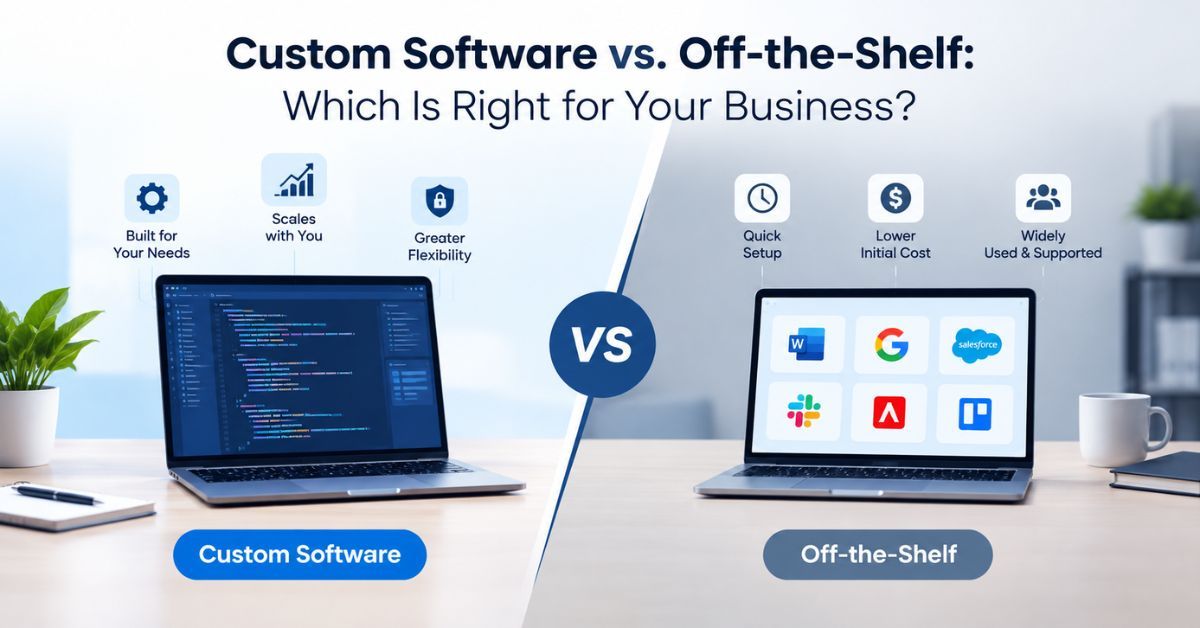
In our view, the deciding question is not size. It is whether your operations fit the platform's model. A small store with unusual rules can need custom work sooner than a large store with simple ones. For a fuller comparison, read the real trade-offs of building vs. buying.
What Is Headless Commerce Development, and When Is It Worth It?

Headless commerce separates the frontend (what shoppers see) from the backend (products, orders, payments and stock). The two talk through APIs, so you can change the design without touching the systems behind it. Headless commerce development builds that split. It is closely related to composable commerce, where each backend piece can be swapped out on its own.
The benefits are practical. Pages load faster because the frontend is built for speed, which helps Core Web Vitals scores. It is often built as a progressive web app (PWA) that feels like a mobile app. Designers get full freedom, since they are no longer bound to theme templates. One backend can feed a website, a mobile app and in-store screens at the same time, which suits mobile commerce. Faster pages and cleaner layouts also support conversion rate optimization, because small delays cost sales.
Headless is not always the right call. It adds more moving parts, needs stronger developers and costs more to maintain. A store with a small catalogue and standard checkout usually does better on a regular theme. It earns its cost when design, speed or multi-channel selling directly drive revenue. Shopify's developer documentation explains how its headless tools work, which is a useful starting point before you commit.
What Can a Custom Ecommerce Platform Include?

A custom ecommerce platform can include whatever your business needs, but a few systems come up again and again.
An order management system (OMS) tracks every order from checkout to delivery, including splits, returns and backorders. A product information management (PIM) tool keeps product details, images and pricing in one place and sends them to every sales channel. Inventory management keeps stock counts accurate across warehouses and stores so you don't oversell. Multi-channel selling lets you list on your own site, marketplaces and social channels from one catalogue.
Personalization uses browsing and purchase history to show relevant products, and a recommendation engine is the tool that picks them. CRM integration passes customer data to your sales and support tools so teams see the full history. ERP integration does the same for accounting and purchasing.
You don't need all of these at once. Most successful projects start with the one system causing the most pain, usually orders or inventory, and add the rest in phases.
What Payment and Shipping Options Should a Canadian Store Support?
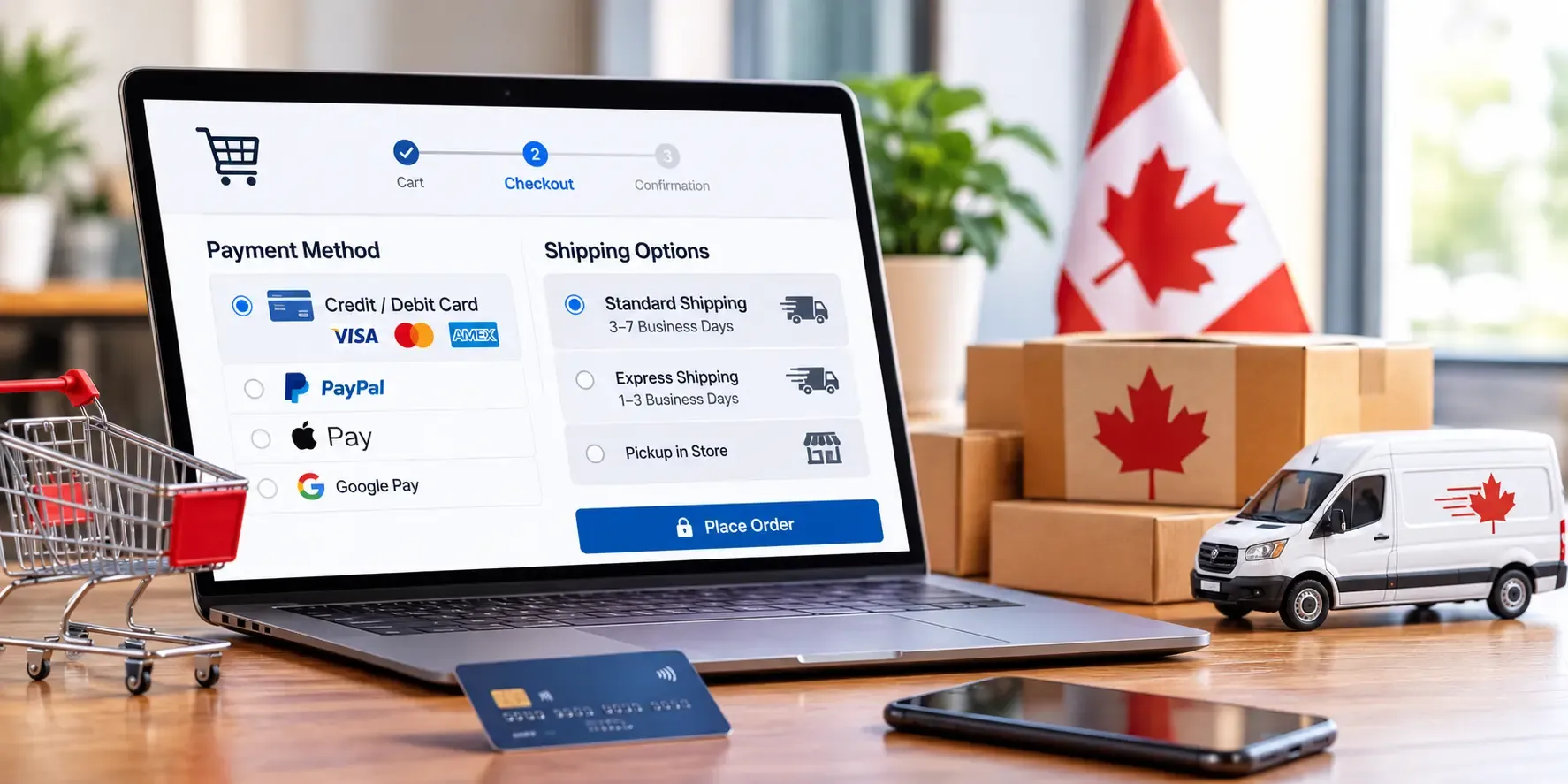
A Canadian store should accept Interac, Visa, Mastercard and the main digital wallets. Interac matters because many Canadians prefer paying directly from their bank account. Most major processors, including Moneris and Stripe, support Canadian cards and local payment methods. The choice usually comes down to fees, reporting and fit with your systems.
Tax is the other detail that trips up stores. GST, HST, PST and Quebec's QST apply differently by province, so your checkout must calculate the right amount from the delivery address. Getting this wrong creates real accounting work later.
On the shipping side, the Canada Post API covers rates, labels and tracking, and other carriers offer similar tools. A custom build can pull live rates, print labels and update tracking automatically. Check each carrier's current documentation before you build, since details change. Stores with their own warehouses or delivery fleets should also look at connecting your store to warehouse and fleet systems.
How Much Does Custom Ecommerce Software Cost, and How Long Does It Take?
Cost depends on scope more than anything else. The main drivers are the number of integrations and the complexity of your pricing and order rules. Custom design matters too, as does the choice to build on an existing platform or from scratch.
Timelines follow the same logic. A single system with clear rules moves faster than a platform that touches payments, inventory and your ERP. Most delays come from unclear requirements and slow data access, not from the code itself.
Compare the total cost of ownership over three to five years, not just the first invoice. A subscription platform with many paid apps can cost more over time than a one-time build with modest upkeep, but a custom system also needs ongoing maintenance. The honest answer is that neither is always cheaper. For a scoped number, our custom software development services start with a short discovery phase.
What Compliance Applies to Ecommerce Development in Canada?
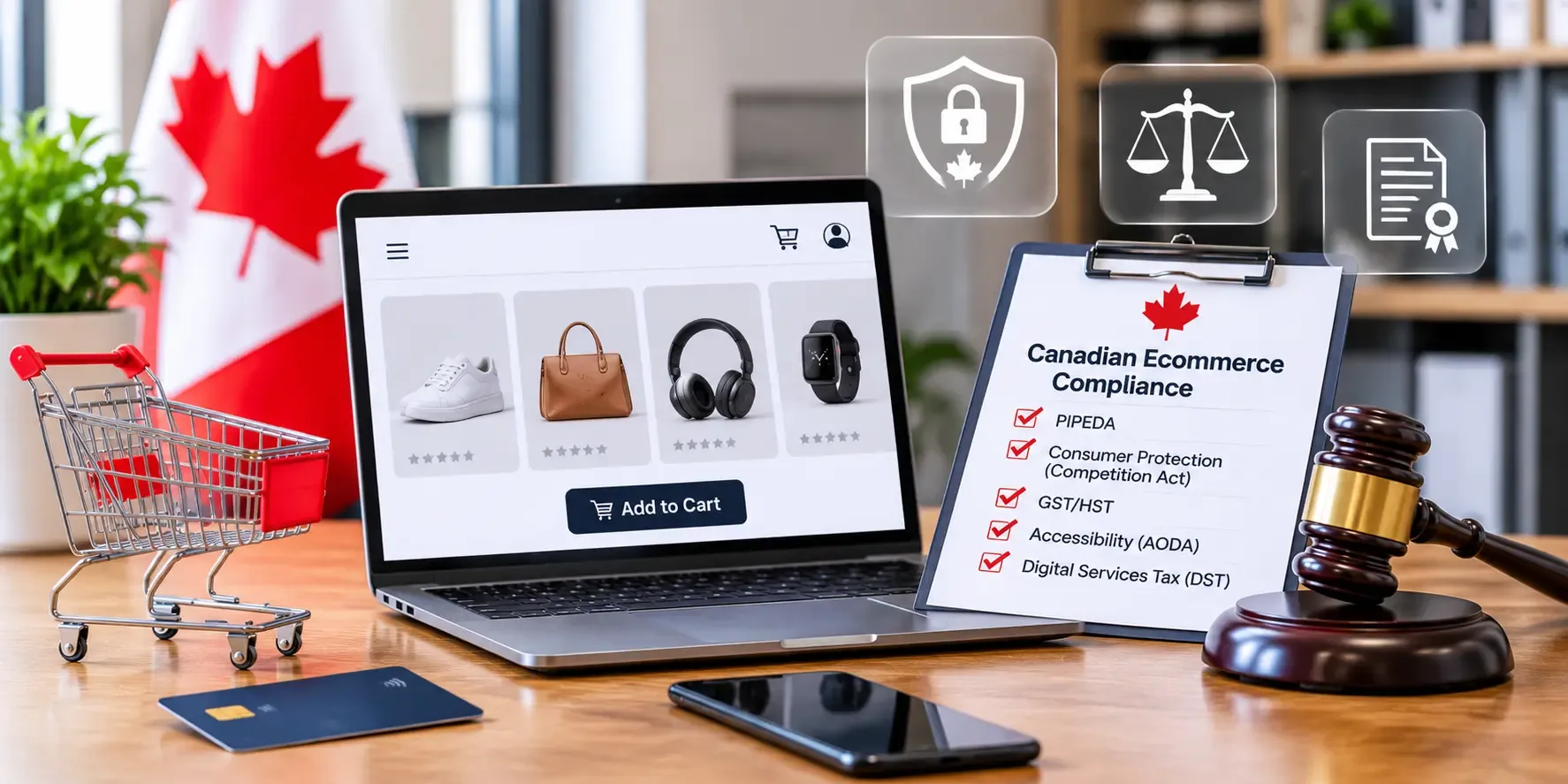
Ecommerce development in Canada comes with a few legal and security rules you should plan for from the start.
The PCI Security Standards Council sets PCI DSS, the standard for handling card data. Most stores reduce their burden by using a payment provider that keeps card numbers off their own servers. See the PCI Security Standards Council for the requirements.
Canada's Anti-Spam Legislation (CASL) controls marketing email and text messages. You generally need consent before sending them, and you must make unsubscribing easy. The CRTC explains the rules on its CASL page.
PIPEDA is the federal privacy law that covers how businesses collect and use customer data. The Office of the Privacy Commissioner publishes guidance on PIPEDA.
If you sell to customers in Quebec, Law 25 adds stricter privacy duties, including clearer consent and rules on how you handle personal data. Quebec also has French-language requirements for commercial content, so a store serving that market should plan for a French version. Confirm the details with a lawyer, since this section is general information and not legal advice.
When Should You Replatform from Magento or an Older Store?
It is time to move when upgrades are risky and expensive, or security patches fall behind. Other signs are pages that stay slow even after tuning, or developers who spend more time fixing the platform than improving the store. Many Adobe Commerce (Magento) 1 stores and heavily patched older builds are in this position.
Protecting SEO is the main concern during a move. Build a full map of old URLs to new ones before launch, and set up 301 redirects for every page that has traffic or links. Keep page titles, headings and content as close as possible at launch, and change them later. Move product data, customer accounts and order history in a test run first, and compare totals before you go live. Launch outside your busiest weeks, and watch rankings and errors daily for the first month.
A migration is a good moment to clean up old systems at the same time. See a step-by-step approach to modernizing legacy platforms for how to plan that work.
How Do You Choose an Ecommerce Software Development Company?
Look for a partner with proof, not just promises. A short checklist helps.
1. Ask for ecommerce projects similar to yours, and speak to the clients if you can.
2. Check that they understand Canadian payments, tax and privacy rules.
3. Confirm who owns the code and whether you get full access to it.
4. Ask how they handle support after launch, including response times.
5. Make sure they explain trade-offs honestly, including when you don't need custom work.
An ecommerce software development company that starts by asking about your operations is usually a better fit than one that starts with a technology. You can see how we work on our page for ecommerce and retail software development.
Custom Ecommerce Software Development FAQs
Is custom ecommerce software better than Shopify?
Not always. Shopify is better for stores with standard pricing and fulfilment, because it is faster and cheaper to launch. Custom software is better when your rules, integrations or volume are what the platform can't handle. Many businesses combine both, keeping Shopify and adding custom modules.
What is headless commerce, and do I need it?
Headless commerce separates the storefront from the backend systems, and they communicate through APIs. You need it if you want a very fast, highly designed site or one backend feeding several channels. You probably don't need it if you run a small catalogue with standard checkout.
How much does custom ecommerce development cost?
Cost depends on scope, integrations and design. A focused project costs far less than a full platform. [$5,000 to $ 15,000] The best way to get a reliable number is a short discovery phase that defines the work before development starts.
How long does a custom ecommerce build take?
A single focused system can take a few weeks to a few months. A full platform with several integrations takes longer. [15 Days To 1 Month] Unclear requirements and slow access to data cause most delays.
Can a custom platform integrate with my ERP and inventory system?
Yes. Custom platforms are often built specifically to connect with ERP, inventory, CRM and shipping systems through APIs. The main requirement is that your existing systems offer an API or a reliable data export we can work with.
What payment options should a Canadian online store support?
Support Interac, Visa, Mastercard and the main digital wallets, and make sure tax is calculated correctly for each province. Processors such as Moneris and Stripe both handle Canadian payments, so choose based on fees, reporting and integration fit.
How do I migrate from Magento without losing SEO rankings?
Map every old URL to a new one before launch and set up 301 redirects. Keep titles, headings and content stable at launch, test the data move first, and monitor rankings and errors daily for the first month.
Plan Your Custom Ecommerce Build
If your store has outgrown its platform, a short scoping call can show what is worth building and what isn't. We'll review your systems and give you a clear plan, with no obligation. Plan your custom ecommerce build with us.